Webinars

Free Webinars on Solving Data Challenges with FME

View or attend a free webinar to learn how you can easily solve your data challenges with FME.

Register for an Upcoming Webinar View a Recorded Webinar

Upcoming Webinars

Safe Software-Hosted Webinars:
Oracle Database – How to Improve Interoperability using FME

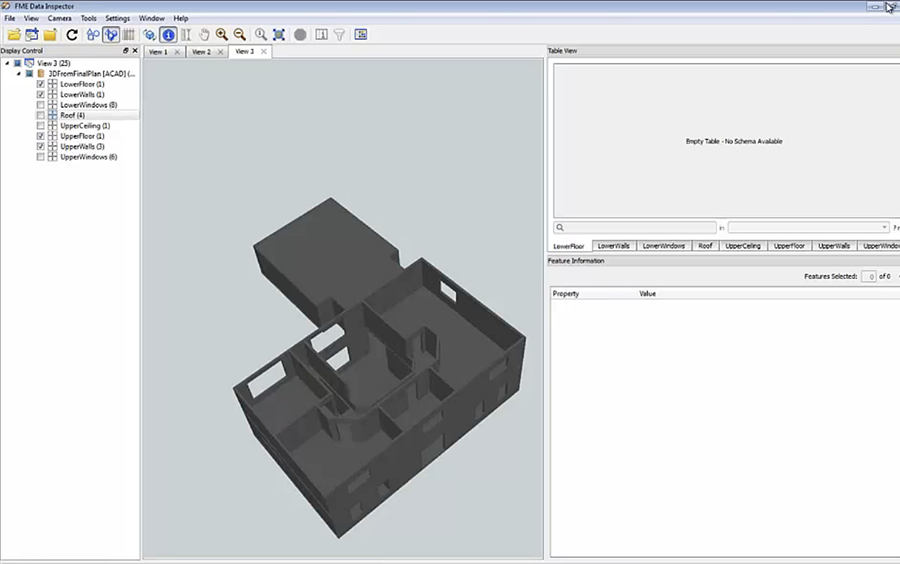
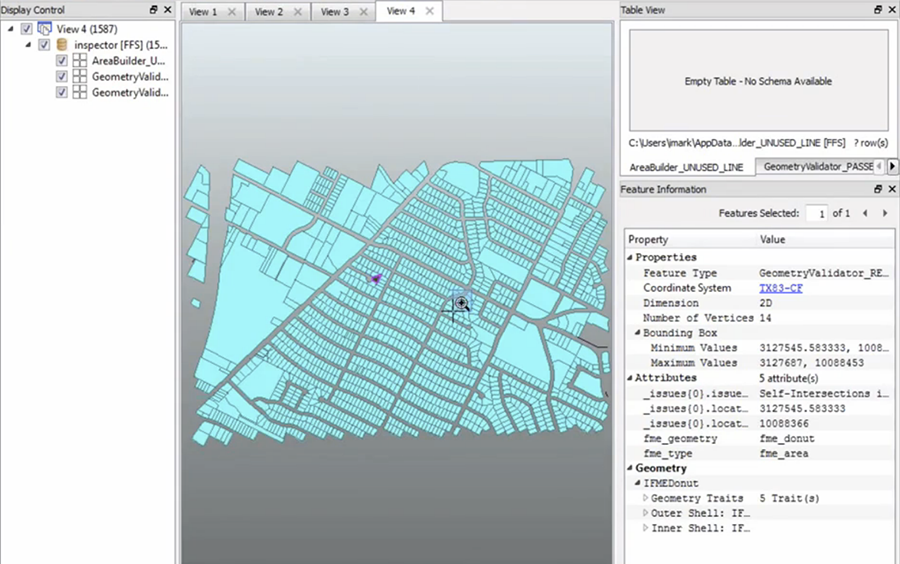
Discover how to easily read, write, and update data in Oracle. Via demos we’ll share how FME lets you transform spatial and non-spatial data for use in Oracle and also provide an easy way to share that data with others – all of this possible via customizable processes which can be automated. You’ll also see how the FME Data Inspector’s new Table View mode lets you more easily examine your data in Oracle.

June 11 Register Now
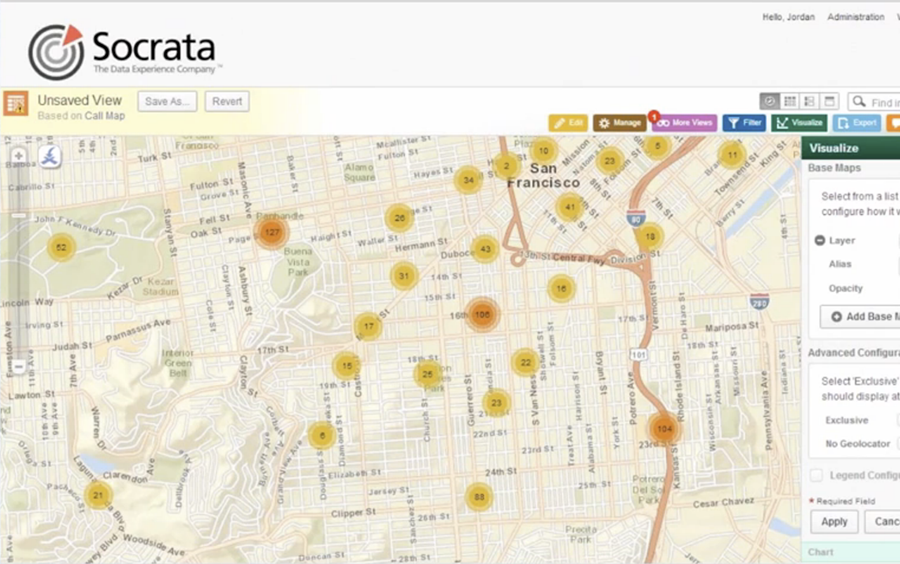
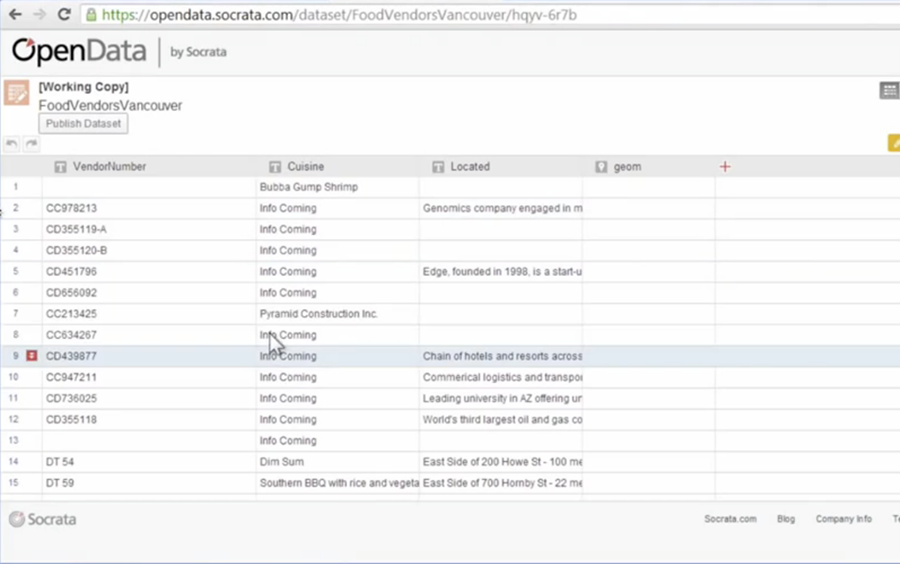
Socrata & FME

June 19 Register Now
FME Overview

Learn how you can easily transform spatial data to use and share with an overview of FME.

Weekly Register Now
FME Server Overview

Discover how you can efficiently exchange data on demand across the widest range of formats.

Monthly Register Now

Recorded Webinars
View Additional Webinars Hosted by our Partners
7 Ways to Make XML Easy with FME 7 Ways to Make XML Easy with FME
#

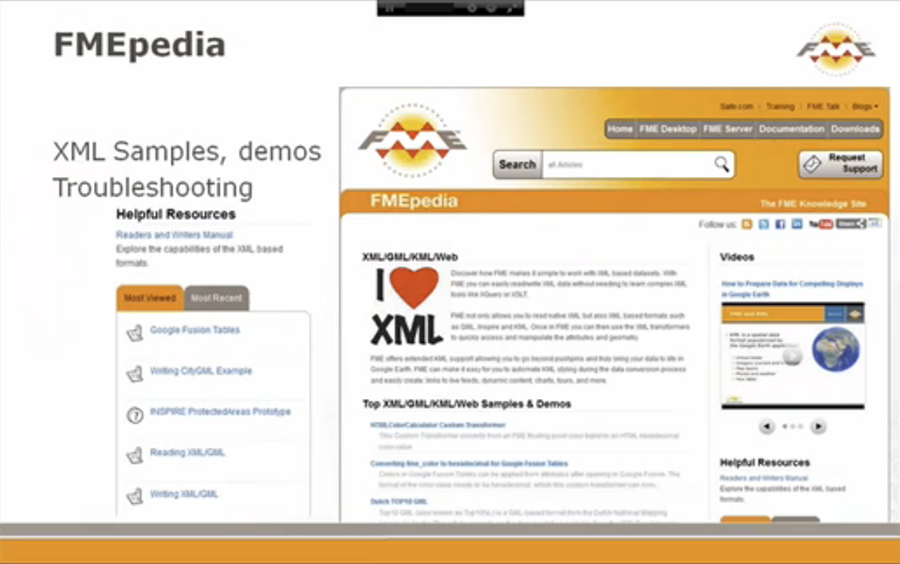
XML is everywhere, but its complexities can be a barrier to use. Discover seven tactics you can employ to easily read, write, and process XML using FME – no need for coding or special XML development tools. You’ll also learn about the new XML capabilities in FME 2013 and get an exclusive sneak peek at a web services announcement coming soon.
Recorded May 2013

   
Microsoft SQL Server – How to Improve Interoperability using FME Microsoft SQL Server – How to Improve Interoperability using FME
#

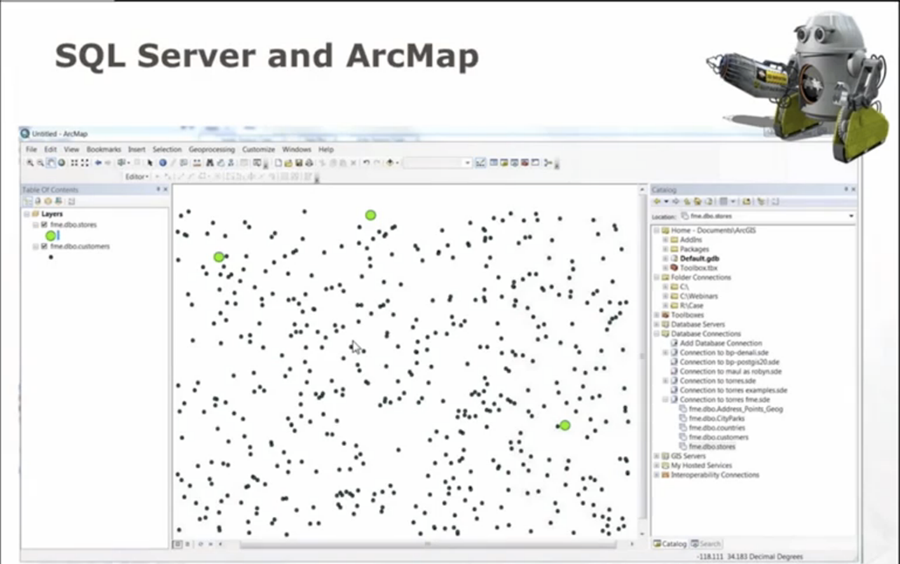
Discover how to easily read, write, and update data in Microsoft SQL Server. We’ll share ways to automate SQL Server workflows while using FME’s transformation capabilities, featuring support for multiple geometry columns and the geography data type. Plus, see what’s new with FME 2013’s support for SQL Server 2012 including the ability to create a spatial index.
Recorded May 2013

   
PostGIS 2.0 – How to Improve Interoperability using FME PostGIS 2.0 – How to Improve Interoperability using FME
#

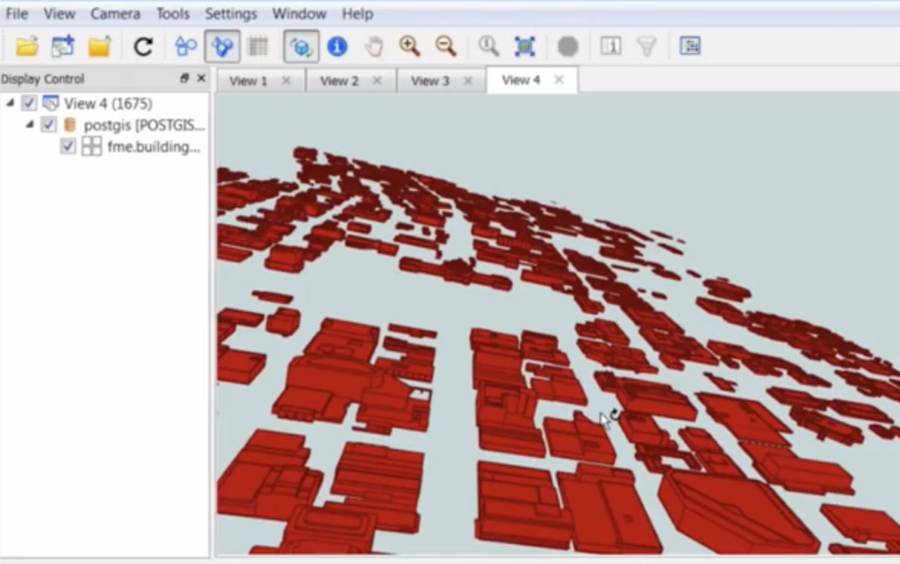
Discover how to easily read, write, and update data in PostGIS 2.0 via live demos. You’ll see how you can use FME to handle rasters in PostGIS (new for FME 2013), and overall improve the efficiency of your data workflows with this database.
Recorded April 2013

   
How to Load Spatial and Non-Spatial Data into Teradata using FME How to Load Spatial and Non-Spatial Data into Teradata using FME
#

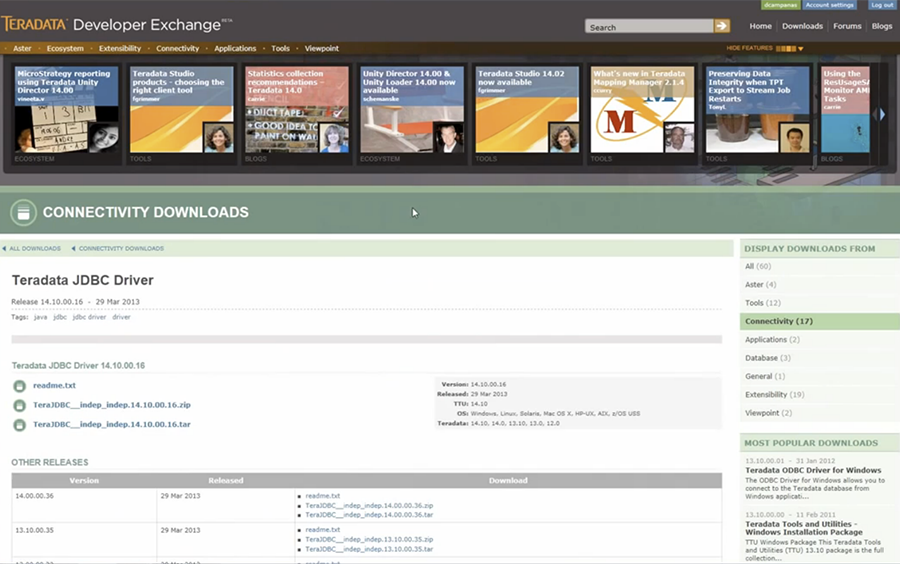
What makes a great database system even better? The ability to move more data into it and have more people able to access its data for use in their application of choice. Using the transformation capabilities of FME, we'll show you how to load spatial and non-spatial data into your Teradata database, with the ability to restructure it during the loading process. Plus, to ensure your data meets any standards or requirements, we'll demonstrate how you can easily validate and repair datasets, even prior to loading.
Recorded April 2013

   
How to Easily Read and Write CityGML Data Using FME How to Easily Read and Write CityGML Data Using FME
#

CityGML has the potential to broaden the amount and quality of spatial data that is available for use in 3D modelling software. Across the globe, an increasing number of cities and companies are building virtual 3D city models for use in various areas including urban planning, disaster management, navigation and environmental simulations. Learn how FME can help you easily convert, restructure, integrate and distribute this CityGML data to use and share in more than 300 different formats.
Recorded March 2013

   
How to Efficiently Transform Non-Spatial Data using FME How to Efficiently Transform Non-Spatial Data using FME
#

FME supports a wide range of non-spatial data, from spreadsheets (CSV, Excel) to databases (SQL Server, Oracle) and to key applications (Salesforce, Socrata). In this webinar, discover how to easily transform non-spatial data for use, even adding a spatial component to your non-spatial data.
Recorded March 2013

   
How to Automatically Create Beautiful Cartographic Labels Using FME's New MapTextLabeller How to Automatically Create Beautiful Cartographic Labels Using FME's New MapTextLabeller
#

Learn about the MapTextLabeller, an exciting new extra-cost FME plugin from MapText which lets you automate the creation of high quality labels - and through its integration with FME - concurrently transform your data and output to formats like AutoCAD DWG, Microstation DGN, Esri Geodatabase, MapInfo, and others. Join us to discover how you can take advantage of its rules-based label placement and styling capabilities to save time and create amazing labels in your preferred application.
Recorded March 2013

   
Gain Total Control of Your LiDAR and Point Cloud Data Gain Total Control of Your LiDAR and Point Cloud Data
#

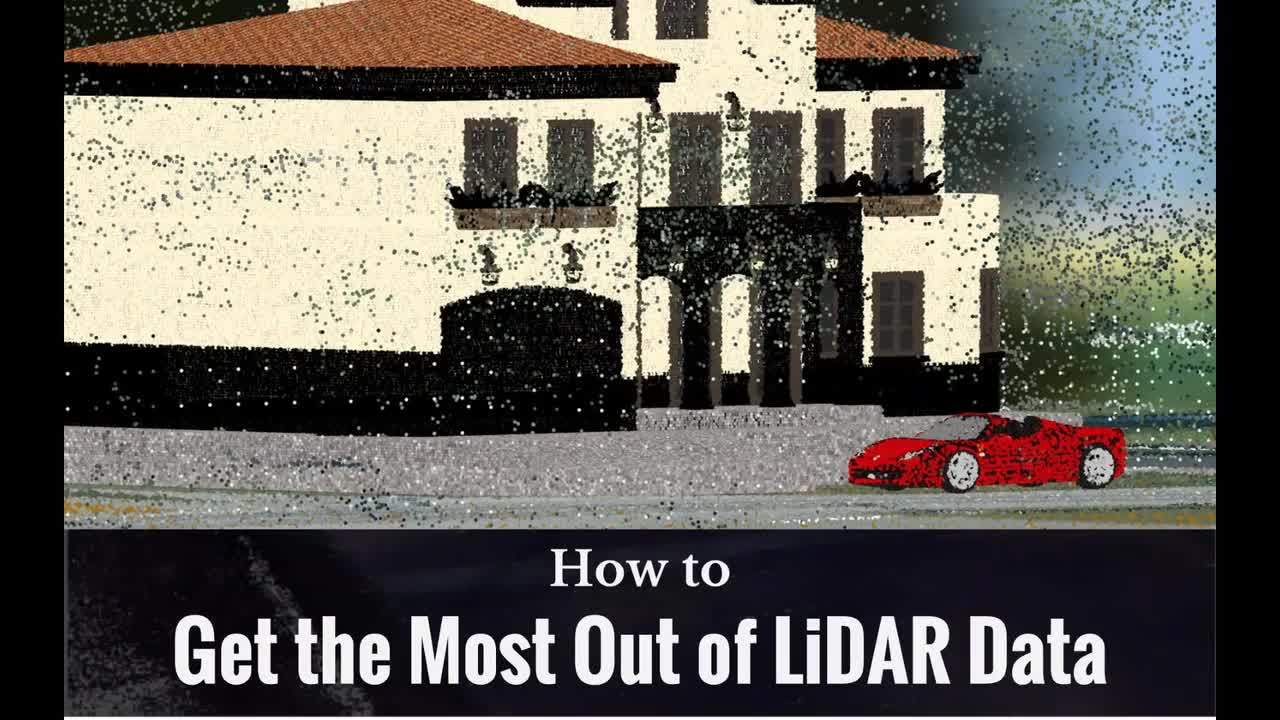
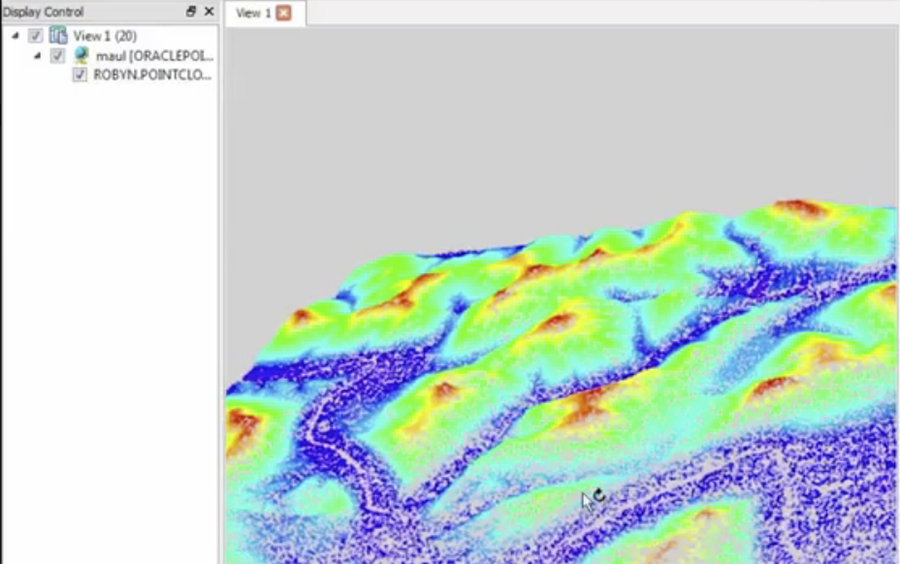
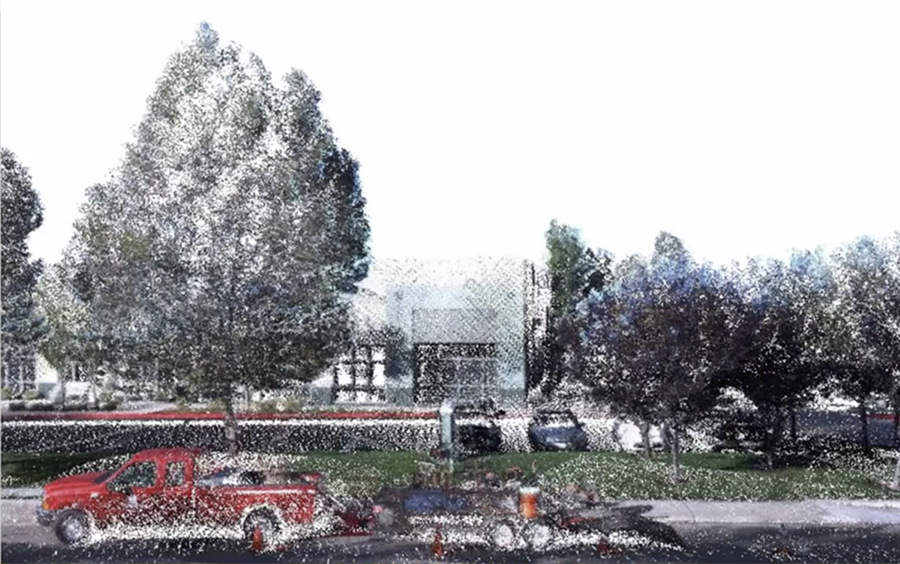
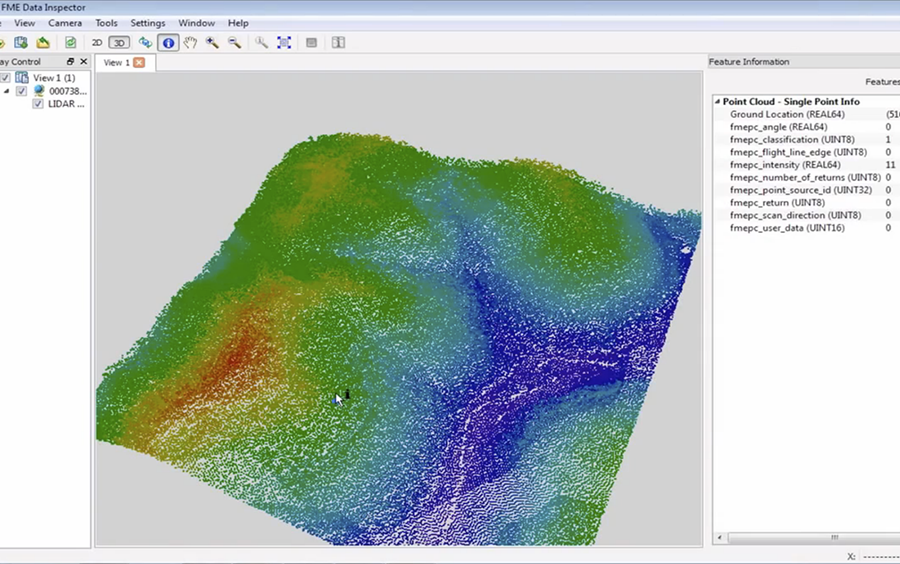
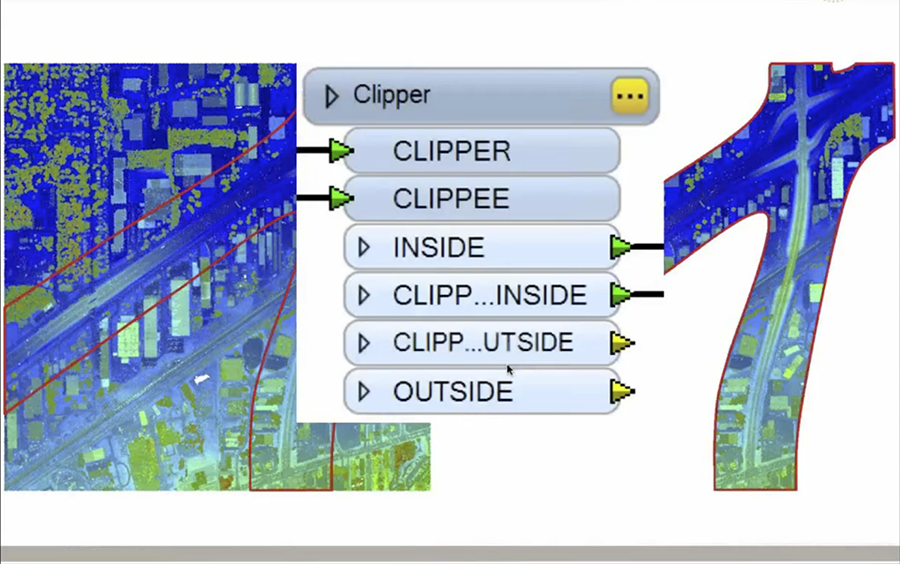
Learn how to quickly transform LiDAR data to meet your requirements with FME. You'll discover how to easily clip, tile, split and otherwise manipulate point clouds using automated processes capable of transforming millions of points in seconds. Plus with FME's support for 300+ formats - including LAS, Oracle Point Cloud, and RIEGL - you'll see how to integrate LiDAR with GIS, CAD, and raster data. New for FME 2013, we'll share how you can perform point-by-point calculations and subsequently filter those points based on color, intensity, and other criteria.
Recorded February 2013

   
Deep Dive into FME Server 2013 Deep Dive into FME Server 2013
#

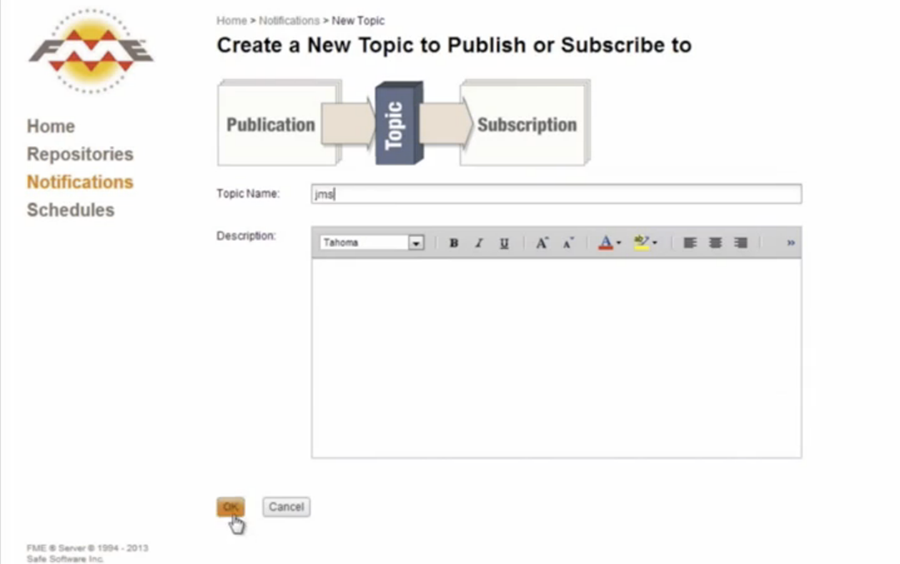
Learn more about FME Server 2013, with a deep dive into its new features from Safe's co-founders Don Murray and Dale Lutz. You’ll learn about the new web user interface, usability improvements, mobile support, and get introduced to the FME Server Notification Service.
Recorded January 2013

   
Deep Dive into FME Desktop 2013 Deep Dive into FME Desktop 2013
#

FME 2013 provides new and enhanced formats and transformers to help you boldly take your data where it hasn't gone before. Learn how to take advantage of these great updates with a deep dive into FME Desktop 2013.
Recorded January 2013

   
Unveiling FME 2013 Unveiling FME 2013
#

View the archived recording of our launch day unveiling of FME 2013. You’ll hear directly from Safe’s co-founders on what’s new in FME 2013 and why we believe it’s the best release yet.
Recorded January 2013

   
Turbocharging FME: How to Improve the Performance of Your FME Workspaces Turbocharging FME: How to Improve the Performance of Your FME Workspaces
#

Getting the best performance out of FME is as important to us as it is to you. In this webinar, you’ll get tips from three FME experts - Mark Ireland (FME Evangelist), David Eagle (FME Certified Trainer and Professional) and Dale Lutz (Safe Software Co-founder). They’ll share easy-to-apply advice on: querying databases efficiently, making the most of FME's new multiprocessing capabilities, and simple techniques to speed up your workflows.
Recorded December 2012

   
Maximize the Value of Raster Data Using FME Maximize the Value of Raster Data Using FME
#

Learn how to prepare and share raster data with ease. Discover how FME can help you quickly convert and restructure raster data precisely how its needed. You'll also see how to prepare raster data for delivery to those who need it.
Recorded November 2012

   
Exchanging Data Between CAD and GIS Systems with FME Exchanging Data Between CAD and GIS Systems with FME 2012
#

For many organizations, accessing and sharing CAD and GIS data between systems can be daunting and time-consuming. Fortunately, exchanging CAD and GIS data does not have to be difficult. Discover how you can leverage your data assets regardless of their originating format or system with FME.
Recorded October 2012

   
5 Ways to Impress in Google Earth and Maps – Creating Amazing Maps with FME 5 Ways to Impress in Google Earth and Maps – Creating Amazing Maps with FME
#

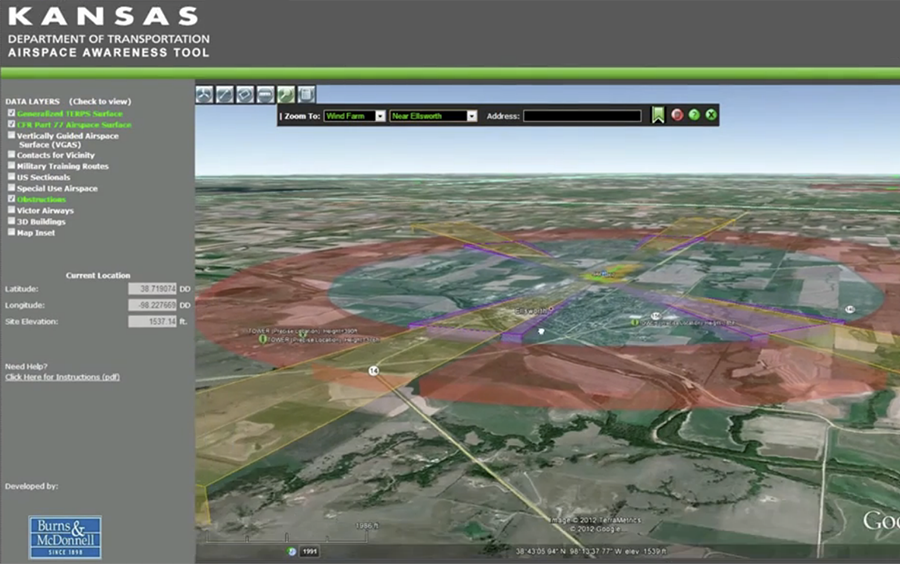
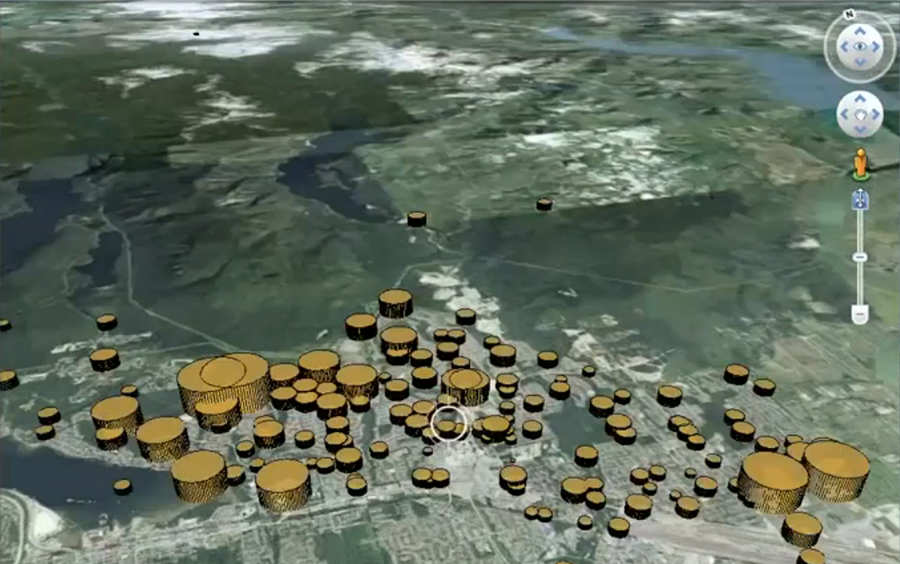
Discover how to easily display nearly any combination of data (CAD, GIS, database, raster, etc) on Google Earth or Maps. You’ll see how to style the data exactly how it’s needed, and provide viewers with the most timely information – even real-time updates onto Google Maps. You’ll also hear how Kansas Department of Transportation and Burns and McDonnell teamed up, using FME with Google Earth to develop the award-winning Kansas Airspace Awareness Tool – an online, interactive 3D model that helps planners avoid building tall structures in areas that violate airspace restrictions.
Recorded October 2012

   
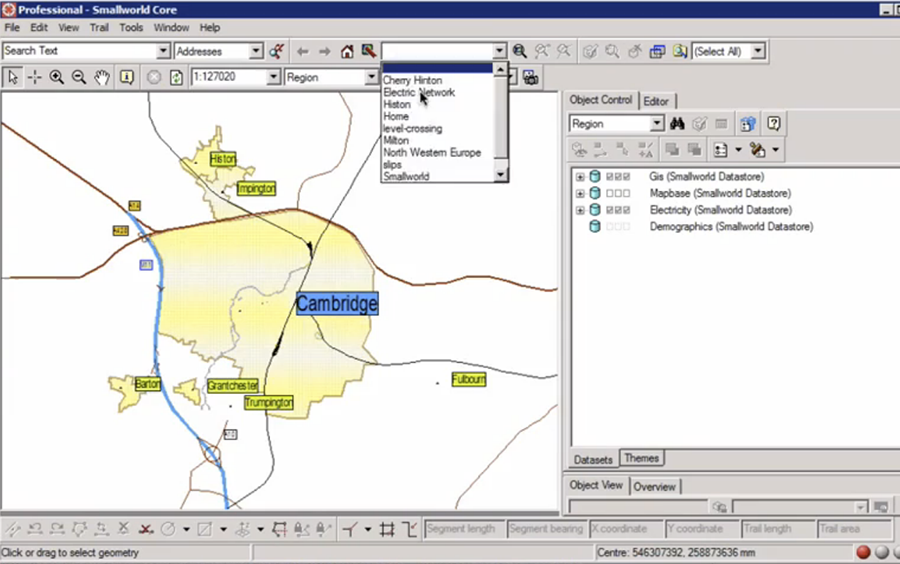
Using the SpatialBiz Plug-in for FME to Access GE Smallworld Using the SpatialBiz Plug-in for FME to Access GE Smallworld
#

Discover how you can quickly move spatial data in and out of Smallworld using Spatial Business Systems' reader/writer plug-in for FME. The webinar will cover synchronizing Smallworld with Oracle Spatial, using FME Server with Smallworld, and various aspects of reading and writing - including dynamic reading data from Smallworld within Esri ArcGIS.
Recorded October 2012


How to Enhance Data Transformation in MapInfo with FME How to Enhance Data Transformation in MapInfo with FME
#

Find out how to add powerful data transformation capabilities to your MapInfo workflows with FME. Discover how to perform flexible QA on your data and its geometries, and style your data exactly how it’s needed. You’ll also learn how to extend FME directly into MapInfo, and load or export data in 275+ formats including PDF, KML, and CSV.
Recorded October 2012


Databases and FME: Improving Interoperability with Oracle, SQL Server, and PostGIS Databases and FME: Improving Interoperability with Oracle, SQL Server, and PostGIS
#

Discover how to easily read, write, and update data in Oracle, Microsoft SQL Server, and PostGIS via live demos. You’ll also get an exclusive first look at FME 2013’s database updates including new functionality and support for PostGIS 2.0, Salesforce.com and SQL Server 2012.
Recorded September 2012


How to Easily Load Data into ArcGIS for Local Government How to Easily Load Data into ArcGIS for Local Government
#

Find out how to take advantage of the 50+ maps and apps available with ArcGIS for Local Government. You’ll first learn about the benefits of this initiative from Esri’s ArcGIS for Local Government Project Manager, Scott Oppmann. Then, via demos from Steve MacCabe (Safe Software) and Steve Grise (Vertex3), you’ll discover how to easily load data into this information model and perform QC during the load process to maintain data integrity.
Recorded August 2012


Preparing LiDAR for Use in ArcGIS 10.1 with the Data Interoperability Extension Preparing LiDAR for Use in ArcGIS 10.1 with the Data Interoperability Extension
#

Find out how to quickly prepare LiDAR data for use in ArcGIS 10.1 with the Data Interoperability Extension. Through demos, you’ll see how to perform: format translation; coordinate system re-projection; and integration with GIS, CAD, and raster data on millions of points in seconds. You'll also learn how to clip, tile, split, combine and more - overall enabling you to prepare LiDAR data according to your precise requirements and use it immediately in ArcGIS.
Recorded August 2012


What's New in ArcGIS 10.1 Data Interoperability Extension What's New in ArcGIS 10.1 Data Interoperability Extension
#

Major updates are included in the 10.1 version of the ArcGIS Data Interoperability Extension (based on FME technology). Discover how core areas have been streamlined, making data transformation easier and more powerful for tasks such as loading databases, doing CAD / GIS data exchange, and performing data validation. Learn about what else is new including: next generation support for 3D, LiDAR, and XML; additional supported formats; and a plethora of speed and usability enhancements.
Recorded August 2012


Tips for Manipulating Data in Esri Geodatabase using FME Tips for Manipulating Data in Esri Geodatabase using FME
#

Discover how to save time reading, writing and updating data in Esri Geodatabase. You’ll see how to easily load disparate datasets into either Enterprise, File, or Personal Geodatabase; plus how to quickly update and extract data according to your specifications. You’ll also receive tips for efficiently working with domains, subtypes, and annotation – to ensure high quality data.
Recorded August 2012


How to Share Spatial Data with Anyone, Anywhere as PDF How to Share Spatial Data with Anyone, Anywhere as PDF
#

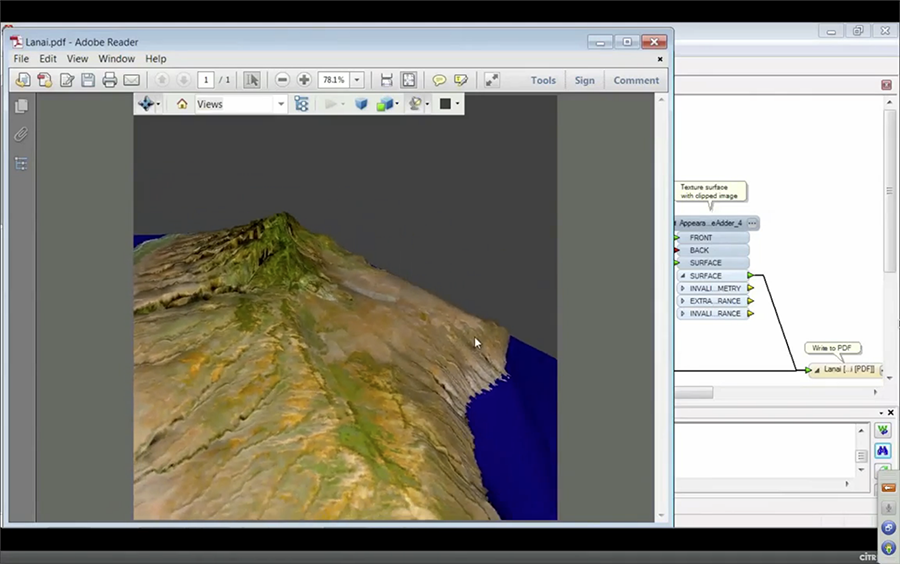
Learn how to easily create PDFs of your spatial data. You'll find out how to integrate disparate data and share it out as a rich mashup in either 3D PDF or Geospatial PDF. You'll also discover how to create cartographic PDFs ready for printing, and see how automated processes allow you to give others self-serve access to PDFs of data within your databases and systems.
Recorded July 2012


Watch Meeting the INSPIRE Mandate with FME Meeting the INSPIRE Mandate with FME
#

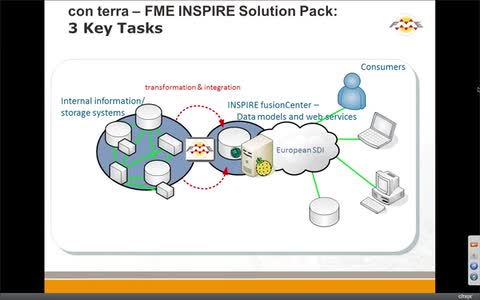
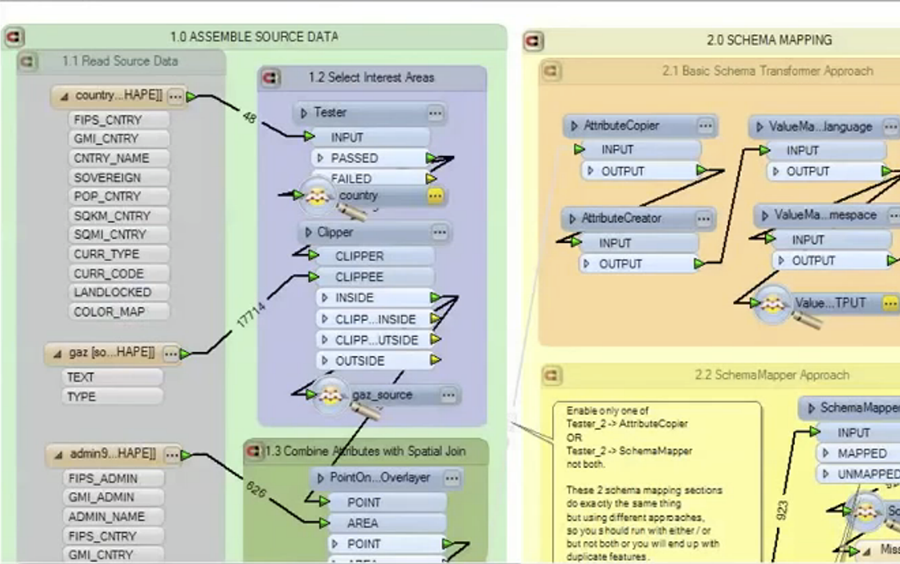
Discover how you too can solve common INSPIRE-related data challenges using FME. You’ll see how to easily perform schema mapping and meet INSPIRE’s precise data model requirements. You’ll also learn about the various FME-based INSPIRE solutions available and how people are using them. Finally, the project leader of Luxembourg’s public Geoportal (Jeff Konnen) will share how they’re using FME to help reach their INSPIRE objectives.
Recorded July 2012

   
How to Improve Data Exchange in Intergraph using FME How to Improve Data Exchange in Intergraph using FME
#

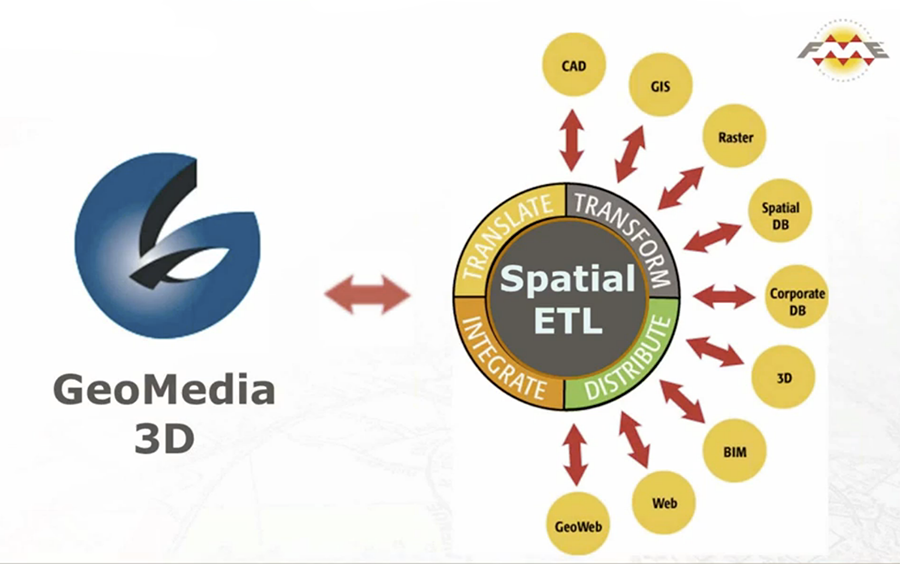
Discover how to easily exchange data in an Intergraph environment (GeoMedia, I/CAD, G/Technology). You'll learn how to create a repeatable process for manipulating data before it gets to your database – whether Oracle, SQL Server, or Access. You'll also see how to efficiently convert data from legacy systems (i.e. FRAMME or G/Technology 9.x) to G/Technology 10, as well as increase GeoMedia's format reach by enabling a direct connection with FME. Find out how your organization’s databases and other GIS systems – including Esri ArcGIS – can work in harmony with your Intergraph products.
Recorded June 2012

   
How to Process Real-Time Data with FME How to Process Real-Time Data with FME
#

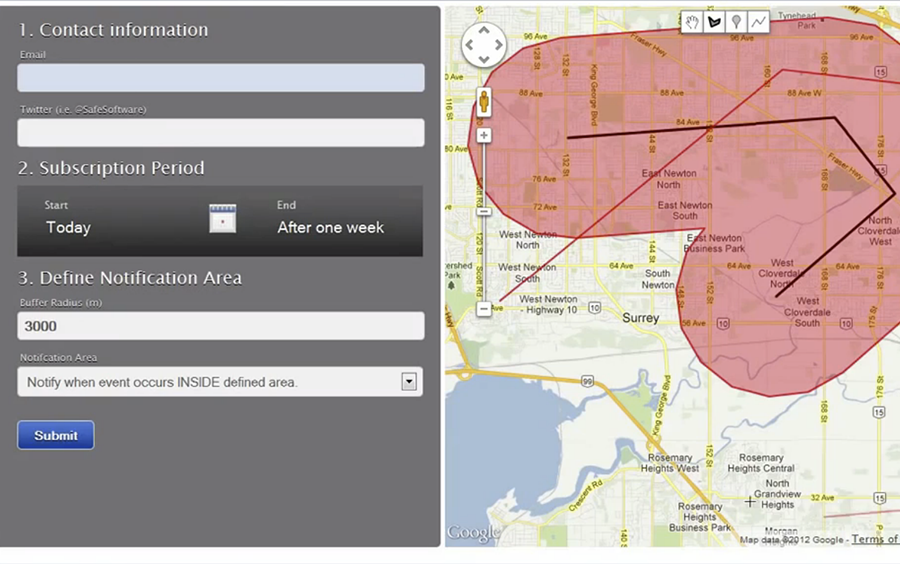
Discover how you can process data in real-time by taking advantage of FME Server 2012’s event-driven architecture. You’ll learn how to accept data from sensors, feeds, devices as well as from people via email, Twitter, SMS, and more. You’ll then find out how FME’s transformation capabilities allow you to easily take action in whichever way you want – i.e. generate an alert, add information to a map, update a database, etc. Overall, you’ll see how you can instantly get data to everyone who needs it.
Recorded June 2012

   
How to Create 3D Mashups by Integrating GIS, CAD, and BIM How to Create 3D Mashups by Integrating GIS, CAD, and BIM
#

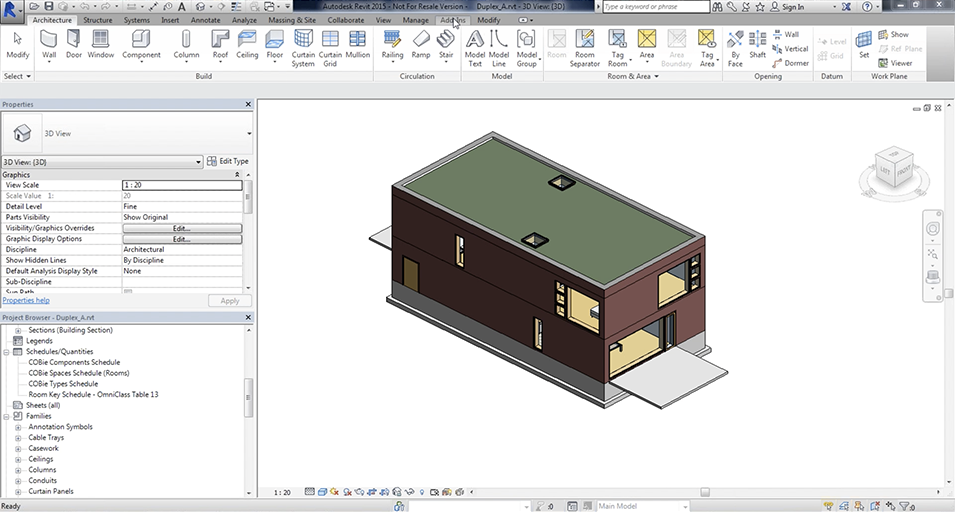
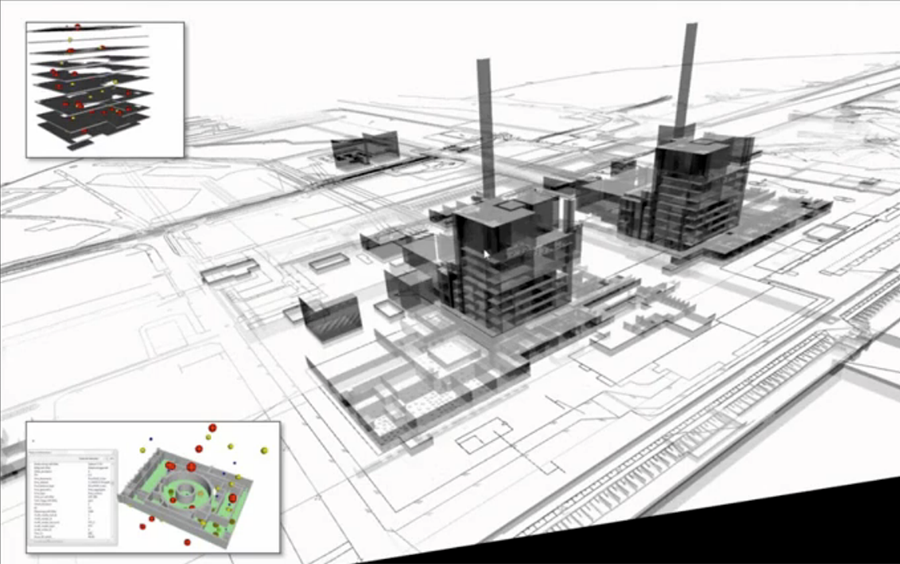
Find out how you can easily integrate GIS, CAD, BIM, and other spatial data to create accurate 3D representations using FME. You'll discover how to manipulate 3D data across popular formats like CityGML and SketchUp, as well as transform BIM data to load only the required information into your GIS. You'll also hear how FME enabled one customer to take vintage 2D CAD data and create informative 3D PDFs and 3D AutoCAD DWG files to help in the decommissioning of a nuclear power plant.
Recorded May 2012

   
Mastering Geospatial Metadata with FME Mastering Geospatial Metadata with FME
#

Discover how you can easily create and edit metadata with FME. You’ll learn how to read and write metadata in industry standards including: ISO 19115, FGDC, and Esri metadata. Plus, you’ll find out how to perform metadata validation and save time when updating metadata - while maintaining accuracy.
Recorded May 2012

   
How to Gather and Share Spatial Data in Minutes using Google Fusion Tables and FME How to Gather and Share Spatial Data in Minutes using Google Fusion Tables and FME
#

Find out how you can gather, visualize, and share data using Google Fusion Tables. We'll then demonstrate how the new capabilities in FME 2012 allow you to leverage more of your data to power more informed decisions.
Recorded March 2012

   
Prepare LiDAR Data To Meet Your Requirements Prepare LiDAR Data To Meet Your Requirements
#

Find out how to quickly prepare LiDAR data to meet your requirements with FME, the leading technology for spatial data transformation. Through demonstrations, you'll see how you can easily perform coordinate system re-projection, format translation, and integration with GIS, CAD and raster data on millions or billions of points in seconds. We'll also share how the enhancements in FME 2012 make it even easier to get the most out of LiDAR data.
Recorded March 2012

   
Reading XML with FME Writing XML with FME
#

Discover how FME makes it simple to work with XML data, in this second of two webinars on XML. You'll see how you can easily write XML data without needing to learn XML tools like XQuery or XSLT.
Recorded February 2012

   
Reading XML with FME Reading XML with FME
#

Discover how you can easily read XML data without needing to learn XML tools like XQuery or XSLT.
Recorded February 2012

   
Deep Dive into FME Server 2012 Deep Dive into FME Server 2012
#

Learn more about what you can do with FME Server 2012. We'll dive into new functionality, highlight new resources available to users, explore FMEpedia, discuss FME Server in the cloud, show off the FME Store, mention what's coming up for Service Pack 1 and have a blast while doing it. Don't miss this opportunity to hear from three Safers who eat, breathe and dream FME Server.
Recorded February 2012

   
What's Great in FME 2012 What's Great in FME 2012
#

Discover what’s new and great in FME 2012. You’ll learn about next generation support for LiDAR, XML, and 3D; find out about newly supported coordinate systems and formats; discover how usability improvements can save you time; learn about the new push messaging capabilities in FME Server; and much more.
Recorded January 2012

   
Improve Data Exchange with GE Smallworld using FME Improve Data Exchange with GE Smallworld using FME
#

Discover how you can quickly move spatial data in and out of Smallworld using the new Smallworld 4.2.2 reader and writer for FME. Recorded
January 2012

   
Exchanging Data Between CAD and GIS Systems with FME Exchanging Data Between CAD and GIS Systems with FME
#

For many organizations, accessing and sharing CAD and GIS data between systems can be daunting and time-consuming. Fortunately, exchanging CAD and GIS data does not have to be difficult. Discover how you can leverage your data assets regardless of their originating format or system with FME.
Recorded November 2011

   
Gain Spatial Data Access for the Enterprise How to Easily Transform Data into Multispeak and CIM XML
#

Learn how to easily transform data into Multispeak and CIM XML, without wasting time on programming. Find out how FME makes it easy to enable data exchange between all of your electrical utility systems (GIS, OMS, EMS, DMS, and SCADA) via open standards.
Recorded November 2011

   
Gain Spatial Data Access for the Enterprise Gain Spatial Data Access for the Enterprise with FME Server
#

Learn how to increase the accessibility of spatial data to people both inside and outside your organization. See how you can use FME Server, the leading spatial data transformation solution, to get the most value from your data assets and make your data available exactly where, when and how it's needed.
Recorded October 2011

   
How to Prepare Data for Compelling Displays in Google Earth How to Prepare Data for Compelling Displays in Google Earth
#

Go beyond pushpins and discover how you can powerfully bring your data to life in Google Earth. Learn how FME can make it easy for you to automate KML styling during the data conversion process and easily create: links to live feeds, dynamic content, charts, tours, and more.
Recorded September 2011

   
Harmonise Your Spatial Data for INSPIRE with FME Extend the Reach of Your ArcGIS Investment with FME
#

Find out how you can access nearly any data, regardless of its source system, directly within ArcGIS. You'll also learn how you can use FME to easily share your data with others, no matter their preferred system.
Recorded July 2011

   
Harmonise Your Spatial Data for INSPIRE with FME Harmonise Your Spatial Data for INSPIRE with FME
#

Learn how to efficiently harmonise your spatial data for INSPIRE by overcoming your data interoperability challenges with FME. Get an overview understanding of how you can easily handle schema mapping without a technical knowledge of XML.
Recorded July 2011

   
Transforming Spatial Data to Contribute to Esri's Community Maps Program Transforming Spatial Data to Contribute to Esri's Community Maps Program
#

Interested in participating in the Esri Community Maps program? Watch this 1-hour webinar to find out how FME technology makes it easy to prepare your data so it can be made widely available in the program’s World Topographic Map.
Recorded July 2011

   
Improve Data Exchange with Intergraph Products Improve Data Exchange with Intergraph Products
#

Learn how to quickly bring data into and out of Intergraph products using FME. With the help of demonstrations, watch how data is easily exchanged with GeoMedia, G/Technology, & I/CAD.
Recorded June 2011

   
Quickly Move Data into Place with Oracle Spatial and FME Quickly Move Data into Place with Oracle Spatial and FME
#

Discover how you can quickly get data in and out of Oracle Spatial with FME. Find out how FME’s powerful transformation capabilities enable you to quickly extract and share data assets with Oracle Spatial.
Recorded June 2011

   
Intro to FME Desktop Webinar Introduction to FME Desktop
#

Gain a better understanding of FME Desktop. This introductory webinar covers the key features and capabilities of FME Desktop and common spatial data transformation scenarios, across GIS, CAD and other business systems. Viewers will leave this webinar with a better understanding of FME Desktop and how it can easily solve spatial data interoperability challenges for you and your organization.
Recorded July 2011

   
Master Interoperability within ArcGIS Master Interoperability within ArcGIS
#

Learn how FME technology allows you to easily use and share spatial data in your ArcGIS environment, regardless of its originating format or structure. Through concrete examples, you’ll see how FME helps you master your toughest interoperability challenges.
Recorded February 2011

   
What's Great in FME 2011 What's Great in FME 2011
#

Unleash your inner spatial superhero with the new FME 2011. View this webinar to see firsthand how you can smash through data interoperability barriers at the speed of light with the new spatial superpowers available in our latest release. With FME 2011 as your sidekick, spatial data is yours to command.
Recorded February 2011

   
Loading data in SQL Server How to Quickly Load Spatial Data into SQL Server
#

This webinar demonstrates practical techniques to help you more quickly and efficiently load spatial data into SQL Server. Join us to learn how you can automate spatial data conversion, transformation, and loading processes to gain more value from your SQL Server environment and data assets. We’ll also highlight how you can extract and distribute SQL Server spatial data within your web mapping applications.
Recorded December 2010

   
Using FME with Smallworld Webinar Practical Techniques for Using FME with Smallworld
#

This webinar discusses and demonstrates practical techniques that will help you get the most out of your FME investment. You'll also have the opportunity to ask technical questions about your unique Smallworld requirements. By viewing this webinar, you will deepen your FME expertise so you can more easily solve your most complex data interoperability headaches.
Recorded September 2010

   
Loading data into Geodatabase How to Efficiently Load Data into Geodatabase
#

This webinar will demonstrate three ways to load data into a geodatabase while preserving critical data attributes. Viewers will leave this webinar with new time-saving techniques for more efficiently moving data into the ArcGIS environment.
Recorded August 2010


Partner-Hosted Recorded Webinars

Making the most of data.gov.uk with FME FME Does Non-Spatial Data Too! - Hosted by 1Spatial
#

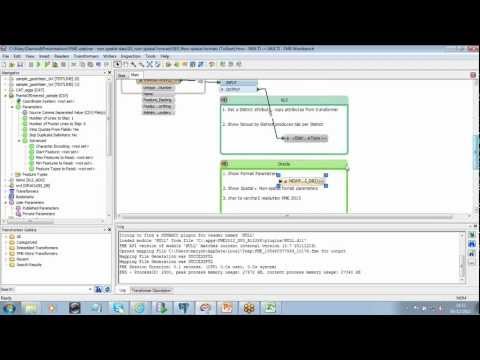
It's commonly assumed that FME is ALL about 'spatial' data. In this webinar we'll dispel that myth and show you that FME is just as capable when it comes to manipulating your non-spatial data whether it's a spreadsheet, text or a database.

   
Making the most of data.gov.uk with FME Making the Most of data.gov.uk with FME - Hosted by 1Spatial
#

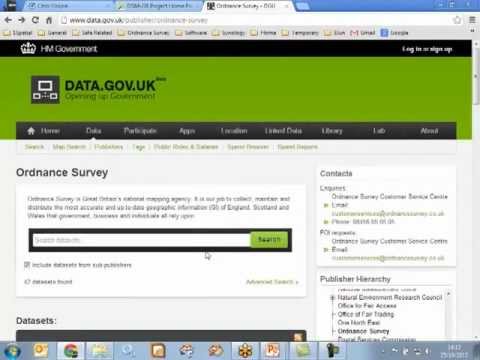
This webinar will show you how having access to FME can make consuming this vast array of data just that little bit more manageable. You'll see how to get hold of data pertinent to you as well as how to process it into the most appropriate format for you to work with.

   
Implementing INSPIRE with FME Implementing INSPIRE with FME - Hosted by 1Spatial
#

This webinar will present our methodology and a worked example around the INSPIRE Annex I, Protected Sites theme to show how you can transform your data, no matter what Annex it applies to.

   
FME Desktop for AutoCAD Users FME Desktop for AutoCAD Users - Hosted by 1Spatial
#

This webinar is designed to cover topics pertinent to Autodesk AutoCAD users and will aid you in the production of data that is fit for purpose, accurate and structured for your CAD environment.

   
What's new in FME 2012? What's New in FME 2012? - Hosted by 1Spatial
#

In this webinar 1Spatial will complement the webinars that Safe Software have been running directly by drilling down into a little more detail regarding some of the key capabilities that come with this new release.

   
FME for MapInfo Professional FME for MapInfo Professional - Hosted by 1Spatial
#

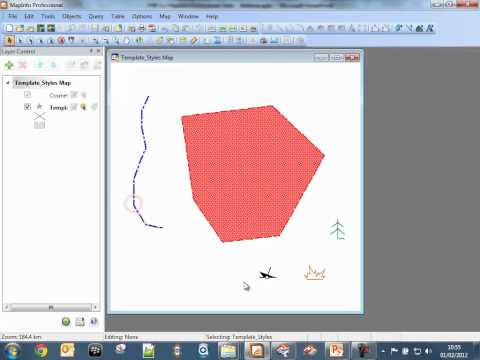
An overview of some of the capabilities that FME has when used in conjunction with MapInfo Professional or as a way of helping you to prepare your MapInfo data. Recorded July 2012

   
Python Scripting in FME Python Scripting in FME - Hosted by con terra GmbH
#

Get an overview of Python scripting in FME from con terra GmbH with a guest appearance from Safe Software's Ken Bragg in this technical webinar. Recorded June 2012

   
Follow us: